Supabase’s 30 October change: why new tables say “permission denied”

tl;dr
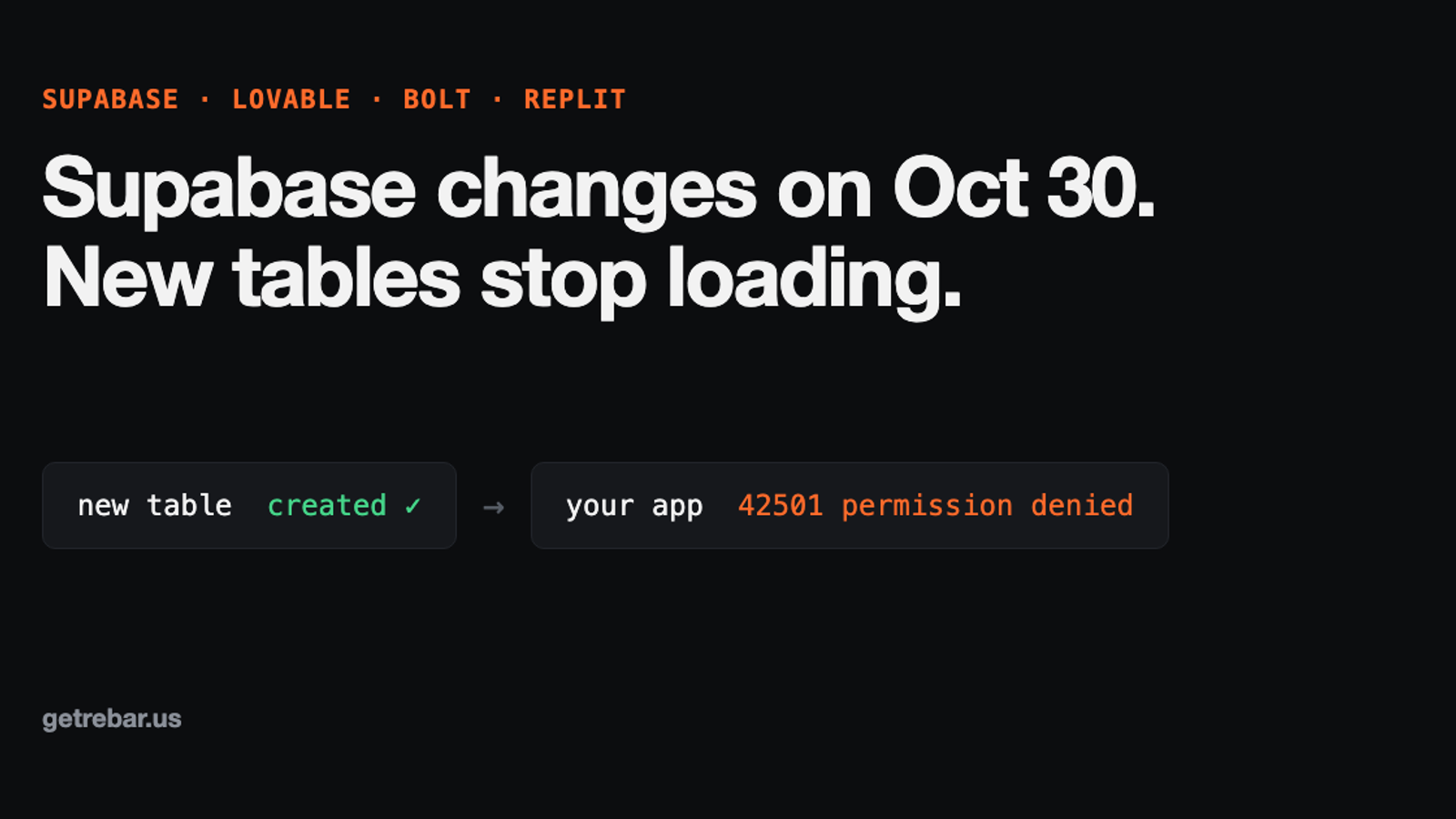
From 30 October 2026, Supabase stops giving new tables in the public schema access by default. Existing tables keep working, but any new table your AI builder creates returns 42501 “permission denied for table” until you grant access to anon, authenticated and service_role. Keep row level security on and add the grants in the same migration.
key takeaways
- →Existing tables keep working; only tables created after 30 October 2026 are locked by default
- →The symptom is error 42501 “permission denied for table”, often with no visible error in the app
- →Fix with explicit grants plus row level security, never by turning security off
- →The service role key skips policies but still needs grants, so edge functions fail too
- →One rule in your Lovable Knowledge or Bolt prompt stops future tables from being locked
For founders with a live Lovable, Bolt or Replit app on Supabase.
contents +
- What is changing in Supabase on 30 October 2026?
- Will my live app break on 30 October?
- How do I check if my app is affected?
- How do I fix “permission denied for table” in Supabase?
- Three extra cases that still fail after the grant
- How do I stop Lovable or Bolt from creating locked tables?
- What is different in Lovable, Bolt and Replit?
- Should I do anything before 30 October?
- What to do now
You ask Lovable for a new feature. It creates a table, writes the page, and the preview looks right. Then the page loads empty, or the browser console says permission denied for table. Nothing else changed. From 30 October 2026, this will happen to every Supabase project that gets a new table without one extra step, and AI builders create tables all the time.
This guide is for founders running a live app on Supabase, whether through Lovable Cloud, your own Supabase project connected to Lovable or Bolt, or a Replit app that uses Supabase. You will learn what changes, what does not, how to check your app in two minutes, and the exact fix, including one line you can add to your AI builder so it stops happening.
What is changing in Supabase on 30 October 2026?
From 30 October 2026, new tables in the public schema are no longer opened up to your app automatically. Until now, every new table got access for the anon, authenticated and service_role roles the moment it was created. After the change, someone has to grant that access on purpose, or the app cannot read or write the table.
| Date | What happened |
|---|---|
| 28 April 2026 | Optional setting for new projects |
| 30 May 2026 | Default for new projects, rolled out over a few weeks |
| 30 October 2026 | Applied to all existing projects |
Supabase names the people this will hit. Its changelog says it affects anyone whose “AI coding tools, CLI scripts, or Management API calls create tables and expect them to be reachable over the Data API on creation.” That is a description of how Lovable, Bolt and Replit build features.
Will my live app break on 30 October?
Not on its own. Supabase says existing tables keep their current access and stay reachable. What breaks is the next table you or your AI builder creates after the date. The first feature built after 30 October is the one that loads empty, while everything older keeps working.
That makes it confusing to debug. The usual signs:
- A new page or feature shows no data, but older pages work fine
- Saving a form fails with no visible message, or a toast that says something went wrong
- The browser console or network tab shows
42501andpermission denied for table your_table - The table and its rows are visible in the Supabase dashboard, so it looks like the data is there
- Your row level security policies look correct, and turning them on or off changes nothing
That last point catches people. A security policy can only narrow access a role already has. It never adds access. So a table with perfect policies and no grant is still locked to everyone. It is the same kind of gap behind apps that work in preview but break when live: one environment has a setting the other is missing.
How do I check if my app is affected?
Run one query in the SQL editor. In Lovable Cloud, open More, then Cloud, then the SQL editor. In your own Supabase project, use SQL Editor in the dashboard. The query lists every table in public that a logged-in user cannot read.
-- Tables in public that logged-in users cannot read through the Data API
select c.relname as table_name
from pg_class c
join pg_namespace n on n.oid = c.relnamespace
where n.nspname = 'public'
  and c.relkind in ('r', 'p', 'v', 'm')
  and not has_table_privilege('authenticated', c.oid, 'select')
order by 1;
No rows back means every table is reachable today. Any table listed is one your app cannot read as a logged-in user. That is fine if it is meant to be private, like an internal log, and a bug if your app uses it.
How do I fix “permission denied for table” in Supabase?
Grant access to the roles that need it, keep row level security on, and add a policy. Supabase’s own example does all three in one go. Replace your_table with the table from the error, and user_id with the column that stores who owns each row.
-- Only if logged-out visitors should read this table. Skip it for private data.
grant select on public.your_table to anon;

-- Logged-in users, and your server code / edge functions
grant select, insert, update, delete on public.your_table to authenticated;
grant select, insert, update, delete on public.your_table to service_role;

-- Keep the table locked to the right rows
alter table public.your_table enable row level security;
create policy "users can read their own rows"
  on public.your_table for select to authenticated
using (auth.uid() = user_id);Three extra cases that still fail after the grant
- IDs that count up (serial or bigserial). Inserts also need access to the counter behind the ID. Run
grant usage, select on all sequences in schema public to authenticated, service_role;. Tables with uuid IDs do not need this. - Server code using the service role key. The service role skips security policies, but it does not skip grants. Edge functions, including Stripe webhooks that unlock paid accounts, get the same 42501 on a new table until
service_roleis granted. - Views. Supabase treats views like tables here, so they need a grant too. Create them
with (security_invoker = on)so they respect the security rules of the tables underneath.
If the error says Could not find the table in the schema cache (code PGRST205) instead, the API has not noticed the new table yet. Run notify pgrst, 'reload schema'; in the SQL editor and try again.
How do I stop Lovable or Bolt from creating locked tables?
Tell the AI the rule once, in the place it reads before every change. In Lovable that is your project’s Knowledge. In Bolt, use the project prompt or system prompt settings. Then every new table arrives with grants, security rules and a policy in the same migration.
Supabase rule for every new table in the public schema:
In the same migration that creates the table, also
1. grant select, insert, update, delete to authenticated and service_role
2. grant select to anon ONLY if logged-out visitors must read it
3. if the table has a serial or bigserial id, grant usage, select on its sequence
4. enable row level security and add policies scoped to auth.uid()
Never disable row level security to fix a permission error.
Check the AI’s work once after each new table: the migration it shows you should contain the word grant. AI builders follow these rules most of the time, not all of the time, so the two-minute check above is still worth running after big features.
What is different in Lovable, Bolt and Replit?
The fix is the same SQL everywhere. Where you run it, and how likely you are to hit it, is not.
| Builder | Database | Where to run the fix | Risk |
|---|---|---|---|
| Lovable Cloud | Supabase, managed by Lovable | More > Cloud > SQL editor | High: AI creates tables as it builds |
| Lovable + your Supabase | Your own Supabase project | Supabase dashboard > SQL Editor | High |
| Bolt | Supabase, when connected | Supabase dashboard > SQL Editor | High |
| Replit | Only affected if the app uses Supabase | Supabase dashboard > SQL Editor | Low to medium |
Lovable says its built-in backend uses Supabase’s open-source foundation, so Lovable Cloud apps are in scope. None of these builders has said publicly that it adds grants for you. Until one does, assume yours does not and add the rule above.
Should I do anything before 30 October?
Yes, three small things, about 15 minutes in total. None of them changes how your live app behaves today, so they are safe to do now.
- 01
Run the check query and save the result
You now have a list of what is reachable today. If something breaks later, compare against it.
- 02
Add the rule to your Lovable Knowledge or Bolt prompt
This turns every future table into a working table, before and after the date.
- 03
Test one new feature after 30 October on the live app
Not just the preview. Log in as a normal user, create a record, and reload. If it saves and shows, you are covered.
What to do now
From 30 October 2026, new Supabase tables are locked until someone grants access, and AI builders do not always do that. Existing tables keep working. Run the check query, fix any locked table with grants plus row level security, and add the one-paragraph rule to your builder so the next feature does not load empty. While you are in there, the free scan shows what your app exposes from the outside.
If you would rather hand it over, I do this as a fixed $390 fix: I find every locked or over-exposed table, fix the grants and security rules on your live app, and set up your builder for future tables. You pay once it works. Not sure it is this? Describe what is broken and I reply with a fixed quote within one US business day.
Frequently asked questions
Will my Supabase app break on 30 October 2026?
Your existing tables keep working. Supabase says they keep their current grants and stay reachable. What fails is any new table in the public schema created after that date without an explicit grant. The first feature your AI builder adds after 30 October is the one most likely to load empty or fail to save.
What does “permission denied for table” (42501) mean in Supabase?
It means the role your app uses, usually anon or authenticated, has no grant on that table, so the Data API refuses the request before any security policy runs. Fix it by granting the needed privileges to that role, keeping row level security on, and adding a policy that limits which rows each user can see.
Should I turn off row level security to fix the error?
No. Row level security is not what is blocking you, so turning it off does not fix a missing grant. If you also grant broad access, it exposes every row to anyone with your app’s public key. Add the missing grant, keep row level security on, and write a policy scoped to the logged-in user.
Does this affect Lovable Cloud apps?
Yes. Lovable says its built-in backend uses Supabase’s open-source foundation, so the same rule applies. You can run the check query and the fix in Lovable’s SQL editor under More, then Cloud. Adding a grants rule to your project Knowledge stops the AI from creating locked tables in future features.
How much does it cost to fix this in a Lovable or Bolt app?
Rebar fixes it for a fixed $390, usually within 48 hours, and you pay once your new features load on the live app. That covers finding every locked or over-exposed table, adding grants and security rules, and setting up your builder for future tables. If it is a one-line fix you can do yourself, I will tell you.
sources
- Breaking change: tables not exposed to Data and GraphQL API automatically, Supabase. Accessed October 5, 2026
- Discussion #45329: tables not exposed to Data and GraphQL API automatically, Supabase on GitHub. Accessed October 5, 2026
- Securing your API, Supabase. Accessed October 5, 2026
- Row level security, Supabase. Accessed October 5, 2026
- Lovable Cloud, Lovable. Accessed October 5, 2026
- Connect to Supabase, Lovable. Accessed October 5, 2026

Akshit Ahuja, Senior Software Engineer, Founder of Rebar
Akshit Ahuja is a senior software engineer and the founder of Rebar. Previously an engineer at a $1B+ startup, he has helped companies save thousands of dollars on engineering and infrastructure, and now makes apps built with AI tools safe and fast for real users.