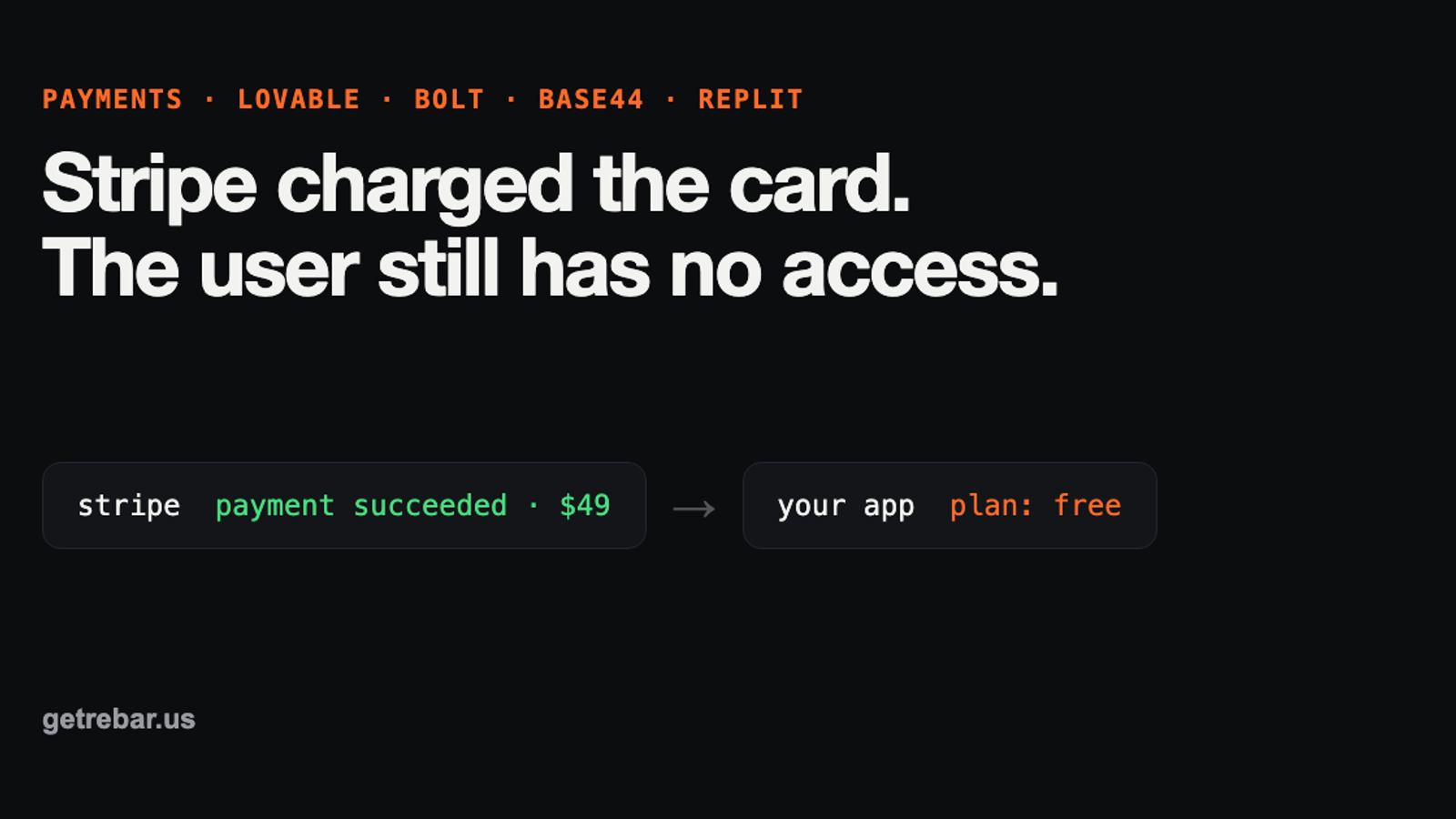
Stripe charged the card but the user still has no access

tl;dr
If Stripe charged the card but your app keeps the user on the free plan, the “this person paid” message never reached your database. In Lovable, Bolt, Base44 and Replit apps it is one of six causes: no webhook, wrong URL, wrong signing secret, a Supabase 401, a blocked database update, or unhandled retries and cancellations.
key takeaways
- →Stripe takes the money; your app must unlock access, usually via a webhook
- →The status code in Stripe’s webhook delivery log points straight at the cause
- →A 200 with the user still locked usually means a silent database update failure
- →After fixing, resend missed events (15 days in the Dashboard) to unlock past payers
For founders with a live Lovable, Bolt, Base44 or Replit app and paying users.
contents +
- Why does Stripe take the money but my app doesn’t unlock?
- How do I find where the payment got lost?
- What are the six causes, and how do I fix each one?
- 1. Nothing tells your app the payment happened
- 2. The webhook points at the wrong URL
- 3. The signing secret does not match
- 4. Supabase returns 401 before your code runs
- 5. The message arrives, but the database update is blocked
- 6. Retries, delayed payments and cancellations are not handled
- What is different in Lovable, Bolt, Base44 and Replit?
- How do I unlock the customers who already paid?
- How do I test it so it doesn’t break again?
- Can I fix this myself with AI prompts?
- What to do now
A customer pays. Stripe shows the money. Your app still shows them the free plan, and an angry email arrives an hour later. If you built with Lovable, Bolt, Base44 or Replit, this is a common way for a live app to break. The good news: once you find where the payment got lost, the fix is usually small.
This guide is for founders with a live app and real paying users. You do not need to read code for the first half. By the end you will know where the payment got lost, which of six causes it is, and how to unlock the customers who already paid. It covers Stripe Checkout and subscriptions. It does not cover Apple or Google in-app purchases, which work differently.
“The customer payed, but wasn’t connected properly so they still ended up with no access. Or they cancelled, but still retained access.”
Why does Stripe take the money but my app doesn’t unlock?
Taking the payment and unlocking the account are two separate jobs. Stripe does the first one. Your app has to do the second, and it can only do it if something tells it “this person paid”. When a user pays but stays on the free plan, that message never arrived, was rejected, or arrived and failed to change the database.
AI builders are good at the checkout page, because you can see it. The part that runs after the payment is invisible, so it is the part that is usually missing or half done. Stripe itself says the webhook is required for this, because there is no guarantee the customer ever reaches your success page. They might close the tab or lose their connection.
How do I find where the payment got lost?
You can do this in five minutes without touching code. Stripe keeps a log of every message it tried to send your app, with the reply your app gave. That reply tells you which of the six causes below you have.
- 01
Open your Stripe Dashboard in live mode
Make sure the toggle says live, not sandbox or test. The two have separate webhooks.
- 02
Go to Workbench, then Webhooks
If there is no endpoint listed at all, stop here. You have cause 1.
- 03
Click your endpoint and open “Event deliveries”
Find the payment from the customer who complained. Each delivery shows Delivered, Pending or Failed, plus a status code.
- 04
Read the status code against the table below
The number Stripe got back from your app points straight at the cause.
| What you see | What it means | Cause |
|---|---|---|
| No endpoint, or no delivery for that payment | Nothing is listening for the payment | 1 |
| 404 Not Found | The webhook points at a URL that does not exist, often an old preview domain | 2 |
| 400 with a signature error | Your app could not prove the message came from Stripe | 3 |
| 401 Unauthorized | Supabase blocked Stripe before your code ran | 4 |
| 200 OK, but the user is still on free | The message arrived and the database update failed quietly | 5 |
| 500 Server Error | Your webhook code crashed. The function logs show the exact error | Logs |
What are the six causes, and how do I fix each one?
1. Nothing tells your app the payment happened
There is no webhook, or access is only granted on the success page. This is the default in more places than you would expect. Lovable’s Stripe integration does not turn webhooks on by default: the app checks payment status with Stripe directly, and you have to ask for webhooks. Base44’s own docs suggest confirming the payment on the success page as well as with a webhook.
Fix: add a webhook that listens for checkout.session.completed and updates the user’s plan in your database. Keep the success-page check too, but make both safe to run twice. Stripe’s own guide recommends exactly this pairing.
2. The webhook points at the wrong URL
The endpoint still points at a preview URL, an old project, or a function that was renamed. Stripe sends the message, gets a 404, and gives up after three days. This often starts the day you connect a custom domain or remix a project. It is the payments version of the works in preview, breaks live problem.
Fix: copy the real URL of the deployed function and paste it into the endpoint settings in Stripe. Then send a test event and check it shows 200.
3. The signing secret does not match
Every webhook endpoint has its own signing secret, starting with whsec_. Your app uses it to check the message really came from Stripe. Stripe says a wrong secret is the most common reason this check fails. The usual mix-ups: the sandbox secret is in production, the secret from the Stripe CLI is used instead of the one from the Dashboard, or the endpoint was recreated and the secret changed.
On Replit and other apps with an Express server, there is a second cause. Stripe needs the raw, untouched request body to check the signature. If the app parses the body as JSON first, every webhook fails with “No signatures found matching the expected signature for payload”.
// The webhook route must read the raw body and be registered BEFORE express.json()
app.post('/api/stripe/webhook', express.raw({ type: 'application/json' }), (req, res) => {
  const event = stripe.webhooks.constructEvent(req.body, req.headers['stripe-signature'], process.env.STRIPE_WEBHOOK_SECRET)
  // ...update the user's plan here
  res.sendStatus(200)
})

app.use(express.json()) // everything else can parse JSON as normal
Fix: copy the live endpoint’s secret into your production secrets, redeploy, and make sure the webhook route reads the raw body.
4. Supabase returns 401 before your code runs
Lovable and Bolt both run Stripe through Supabase Edge Functions. By default, an Edge Function only accepts requests that carry a logged-in user’s token. Stripe is not a logged-in user, so Supabase rejects it with a 401 and your code never runs. Supabase’s own docs use Stripe webhooks as the example of when to switch this off.
[functions.stripe-webhook]
verify_jwt = false
Fix: turn off the token check for the webhook function only, using the setting above or --no-verify-jwt when deploying. This is safe only because the function then checks Stripe’s signature itself. In Deno, Supabase’s example does that with constructEventAsync and Stripe’s Web Crypto provider, reading the body with await req.text().
This setting will matter more from now on. Supabase is replacing the old anon and service_role keys with new keys that are not JWTs, and says the old ones are deprecated by the end of 2026. Its migration guide tells you to keep verify_jwt off on functions like this and check access in your own code.
5. The message arrives, but the database update is blocked
This is the sneakiest one. Stripe’s log shows 200, so everything looks fine, yet the user is still on the free plan. Usually one of two things happened. Either a database access rule (row level security in Supabase) filtered out the row, which in Postgres changes zero rows and raises no error. Or the code looked up the wrong user, for example by matching the Stripe email when the customer typed a different email at checkout.
// Use the server-side key for this one update, match on the user ID you passed to Checkout,
// and fail loudly if nothing changed so Stripe retries instead of reporting success.
const { data, error } = await admin
  .from('profiles')
  .update({ plan: 'pro' })
  .eq('id', session.client_reference_id)
  .select('id')

if (error || !data?.length) {
  return new Response('user not updated', { status: 500 })
}
Fix: pass your own user ID into Checkout as client_reference_id, match on that instead of the email, and check that the update really changed a row. If it changed nothing, return an error so Stripe retries and the failure shows up in the log. The same access rules decide whether users can see each other’s data, so check them as a set.
6. Retries, delayed payments and cancellations are not handled
The happy path works, but the edges do not. Three are common:
- Duplicates. Stripe can send the same event more than once. If your code adds credits or sends a welcome email on each one, customers get it twice. Record the event ID and skip ones you have already handled.
- Delayed payments. With bank debits,
checkout.session.completedcan arrive withpayment_statusset tounpaid. Unlock oncheckout.session.async_payment_succeededinstead. - Cancellations and failed renewals. If you only listen for new payments, people who cancel keep access forever. Handle
customer.subscription.deleted,customer.subscription.updatedandinvoice.payment_failed.
What is different in Lovable, Bolt, Base44 and Replit?
The six causes are the same everywhere. Where the webhook lives, and what each builder sets up for you, is not.
| Builder | Where the webhook runs | What it sets up for you | Check first |
|---|---|---|---|
| Lovable | Edge Function on Lovable Cloud or your own Supabase | Checkout, and status checks with Stripe. Webhooks only if you ask | Causes 1, 4, 5 |
| Bolt | Supabase Edge Function (does not work with Firebase) | Says it registers the endpoint and verifies signatures | Causes 4, 5, 6 |
| Base44 | Backend function at /functions/<name> | Built-in payments on Builder plan and up | Causes 1, 2, 5 |
| Replit | Your app’s own server, often Express | Managed Stripe connector set up by the Agent | Causes 3, 6 |
On Replit, workspace secrets sync to deployments automatically, except for static deployments. If you deployed as static, the server and its secrets are not there at all, and the webhook has nothing to run on.
One limit to keep in mind: these builders change often. The table reflects each one’s own docs on 2 Oct 2026, and Bolt’s claim that it registers webhooks for you is its claim, not something this guide tested.
How do I unlock the customers who already paid?
Fixing the cause stops new failures. It does not fix the people already locked out. Do this right after the fix:
- 01
List every paid checkout since the problem started
In Stripe, filter payments or Checkout Sessions by date and status succeeded.
- 02
Compare against your users table
Anyone who paid and is still on free needs unlocking.
- 03
Resend the events, or unlock by hand
Resend works from the Dashboard for 15 days, and from the Stripe CLI for 30. Older than that, update the plan directly.
- 04
Email those customers
One short line: you found a payment bug, it is fixed, here is your access. Most people are fine when you tell them first.
How do I test it so it doesn’t break again?
Write one test in plain words before you change anything, such as “a test card payment unlocks the Pro plan”. It passes only when you see it happen on the live app, not in the preview. Then run this checklist after every change that touches payments, login or the database.
- Pay in sandbox with the test card 4242 4242 4242 4242 and any future date
- In Stripe, the delivery for that payment shows 200
- In your database, that user’s plan changed
- Log out and in again: the user still has Pro
- Cancel the test subscription: access is removed
- Resend the same event: nothing is granted twice
- The live endpoint uses the live signing secret, not the sandbox one
Can I fix this myself with AI prompts?
Often, yes, if you can name the cause. Causes 2, 3 and 4 are usually a setting or a secret, and a precise prompt fixes them. A vague prompt like “payments aren’t working” tends to make the AI rewrite the checkout and leave the real problem in place. Give it the status code and the cause instead.
Stripe charges succeed but users stay on the free plan.
Stripe's webhook delivery log shows: [paste status code and error].
Do not change the checkout page.
Only fix the stripe-webhook function so that it:
- verifies the Stripe signature using the raw body
- updates profiles.plan using session.client_reference_id
- returns an error if no row was updated
Show me the diff before applying it.
Get help if the log shows 200 and users are still locked (cause 5), if you are not sure your access rules are safe, or if paying customers are waiting and you have already spent a day on it. You can also run the free scan to see what is exposed from the outside.
What to do now
When Stripe takes the money but the user stays on the free plan, the “this person paid” message is missing, going to the wrong place, rejected, or not changing the database. Open the Stripe delivery log, read the status code, and match it to one of the six causes. Fix the cause, unlock the people who already paid, and keep the seven-step test so it stays fixed.
If you would rather hand it over, I do this as a fixed $390 Stripe fix: I find where the payment gets lost, fix it on your live app, unlock existing customers, and you pay once a test payment unlocks access.
Frequently asked questions
Why did Stripe charge my customer but not give them access?
Stripe only takes the payment. Your app has to unlock the account when Stripe tells it someone paid, usually through a webhook. If the webhook is missing, points at the wrong URL, fails its signature check, gets blocked with a 401, or cannot update the database, the customer pays and stays on the free plan.
Is the Stripe webhook required, or is the success page enough?
The success page is not enough on its own. Stripe’s fulfilment guide says webhooks are required, because there is no guarantee customers reach the success page. They can close the tab or lose connection after paying. Use both, and make them safe to run twice so nobody gets access or credits twice.
Why does my Supabase edge function return 401 to Stripe?
Supabase Edge Functions require a logged-in user’s token by default, and Stripe does not send one. Set verify_jwt = false for the webhook function in supabase/config.toml, or deploy it with --no-verify-jwt. Then verify the Stripe signature in your code, so nobody else can call the function and fake a payment.
How do I give access to customers who already paid?
Fix the cause first. Then list every successful payment since the problem started in Stripe, compare it with your users table, and resend the missed events. The Dashboard can resend events up to 15 days old and the Stripe CLI up to 30 days. Unlock anything older by hand and email those customers.
How much does it cost to fix a Stripe webhook in a Lovable or Bolt app?
Prices range from cheap freelance gigs to agencies that bill by the hour with minimums. Rebar charges a fixed $390 with a 48-hour target, and you only pay once a test payment unlocks access on your live app. If it is a setting you can change yourself, I will tell you.
sources
- Fulfill orders (Checkout), Stripe. Accessed October 2, 2026
- Receive Stripe events in your webhook endpoint, Stripe. Accessed October 2, 2026
- Resolve webhook signature verification errors, Stripe. Accessed October 2, 2026
- Using webhooks with subscriptions, Stripe. Accessed October 2, 2026
- Function configuration, Supabase. Accessed October 2, 2026
- Handling Stripe webhooks, Supabase. Accessed October 2, 2026
- Row level security, Supabase. Accessed October 2, 2026
- Stripe integration, Lovable. Accessed October 2, 2026
- Stripe integration, Bolt. Accessed October 2, 2026
- Setting up payments, Base44. Accessed October 2, 2026
- Stripe payments, Replit. Accessed October 2, 2026
- Secrets, Replit. Accessed October 2, 2026
- Migrating to new API keys, Supabase. Accessed October 2, 2026

Akshit Ahuja, Senior Software Engineer, Founder of Rebar
Akshit Ahuja is a senior software engineer and the founder of Rebar. Previously an engineer at a $1B+ startup, he has helped companies save thousands of dollars on engineering and infrastructure, and now makes apps built with AI tools safe and fast for real users.